3D Room Scan
Capture your room in stunning detail using Augmented Reality scanning technology.
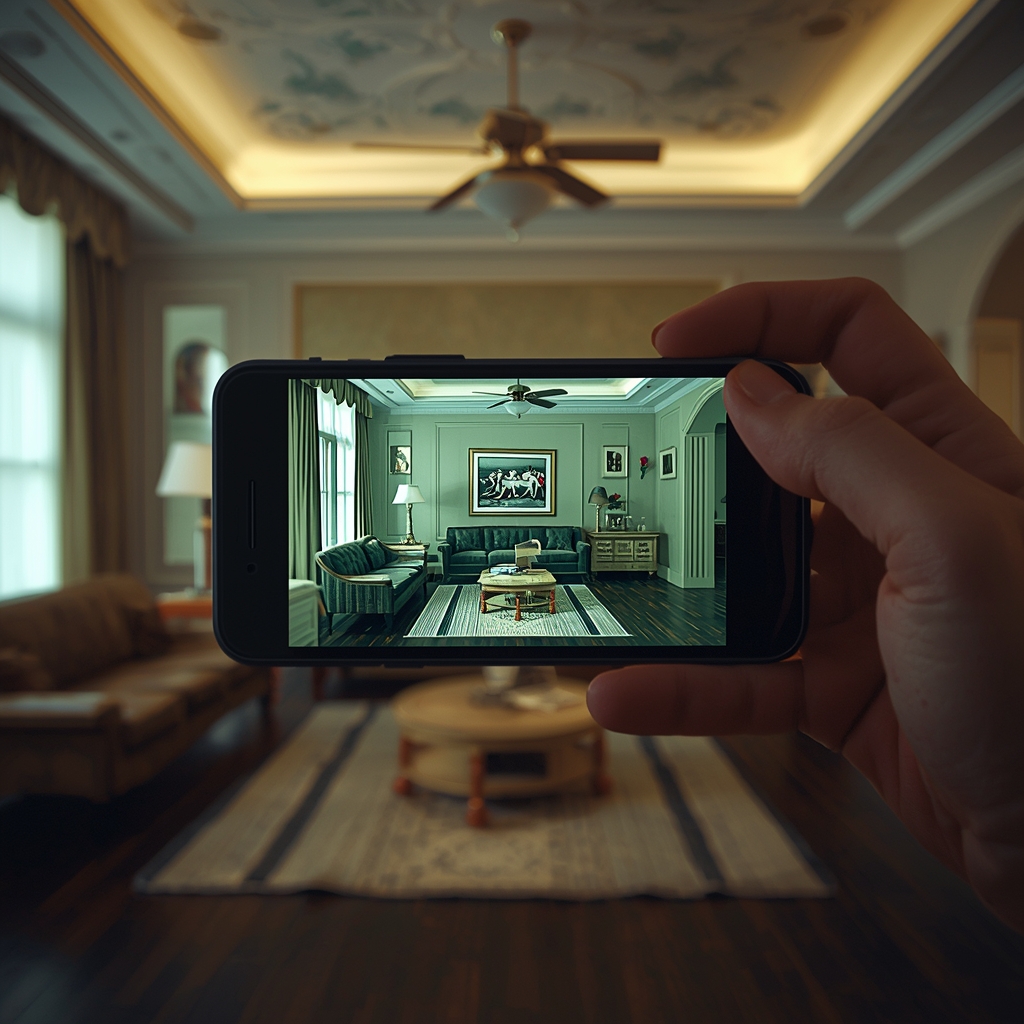
Capture your room in stunning detail using Augmented Reality scanning technology.
Our AR technology builds a 3D model of your room using visual and depth tracking. Here’s what happens during the scan:
Identify walls, floors, and ceilings using your device camera for accurate room mapping.
Build a digital 3D model of the entire room capturing geometry and dimentions.
Record textures, colors, and small objects for a realistic room representation.